 Blindspot
The free trading journal for your TradingView order history
TradingView's order history lists orders, not trades, and it has no P&L column. Blindspot keeps the filled orders, pairs them into round-trip trades and works out the P&L from each contract's specs. You get win rate, expectancy, profit factor, a calendar of every session and a place to note why you took each trade. Upload one CSV, with no login and no API key.
- Filled orders only. Cancelled, working and rejected orders are skipped
- P&L worked out for you from the paired fills and the contract's point value
- Commission is read from the file when the column has a value
- Paper or broker: any order history export with the columns below
- Duplicate-safe: re-uploads are matched on TradingView's Order ID
This is an independent guide written by Blindspot, not a TradingView page. Blindspot is not affiliated with TradingView.
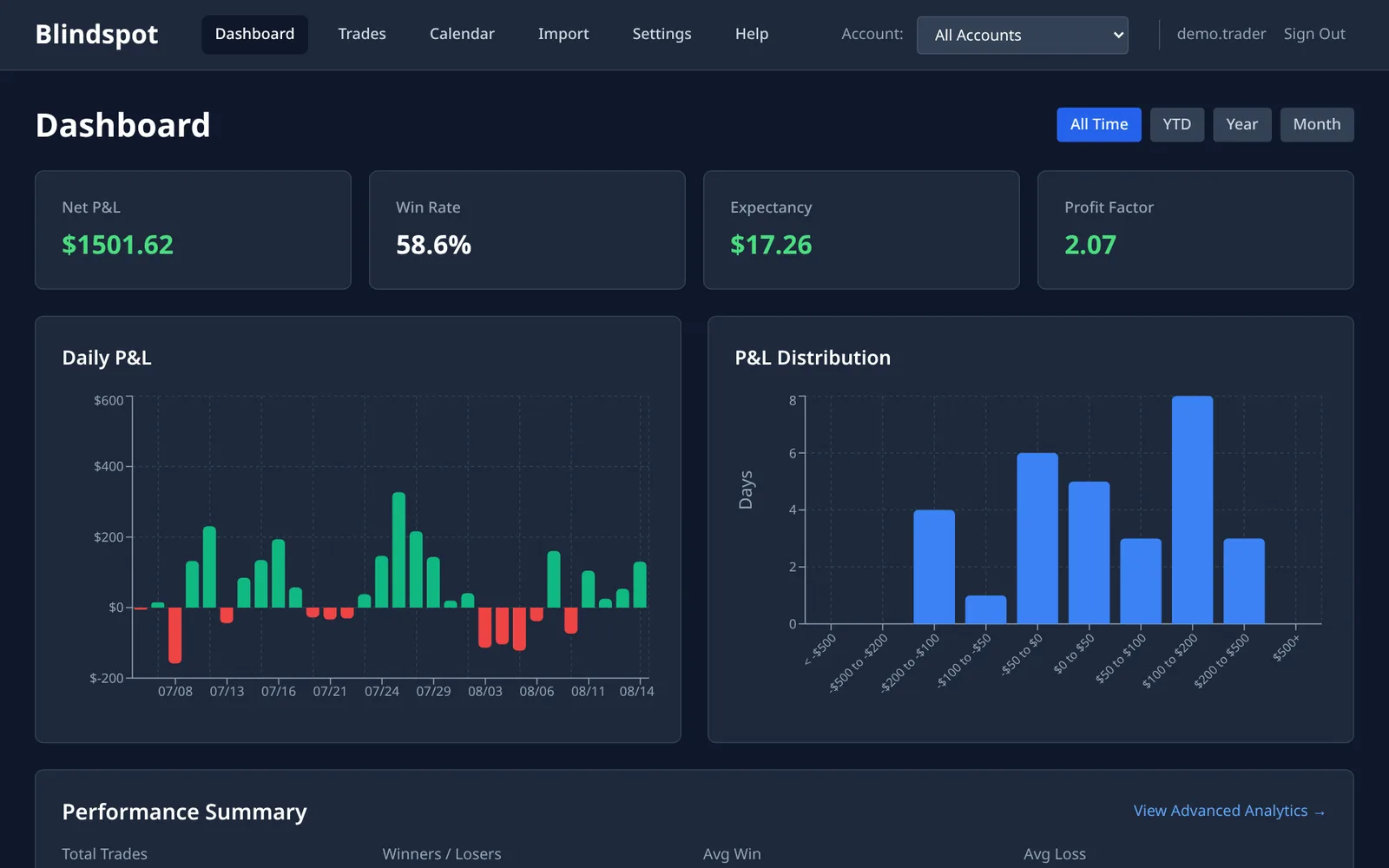
How to import your TradingView orders into Blindspot
1 Open your order history
Connect your paper trading or broker account in TradingView's trading panel, under the chart, and open its order history tab.
If the table lets you choose its columns, show them all. Two matter most: Closing time, which gives Blindspot the moment the order executed, and Commission.
2 Download the CSV
Click Download data. TradingView exports each tab on its own, so choose your order history in the dropdown and click Download. You get a CSV file.
Blindspot needs the columns Symbol, Side, Quantity, Fill price, Status and Placing time. If one is missing, the upload is refused and says which.
3 Upload it to Blindspot
In Blindspot go to Import, choose TradingView (Order History CSV) and upload the file. The export doesn't say which account it came from, so choose an account on the Import page, or let Blindspot use one called TradingView. If you trade through several connections, export each one and keep them in separate accounts.
4 Check the time zone
The file's times carry no time zone. They are in whatever zone your TradingView account displays. When Blindspot has market prices for your contracts it can work the zone out from them. When it asks, pick the zone TradingView displays, or trades can land on the wrong day.
What the TradingView import does with your file
- Only rows with Status "Filled" count. An order that filled in part and was then cancelled doesn't say Filled, so it is skipped. If a trade looks too small or a position looks open, look for one of those.
- The time comes from Closing time. For a filled order, that is when it executed. Without that column Blindspot falls back to Placing time, so a stop that rested for ten minutes sorts ten minutes early and can split one trade into pieces.
- Commission comes from the file when it is there. It is often blank. In that case set your own per-contract cost in Settings → Commissions, or net P&L equals gross.
- P&L depends on the point value. Symbols such as
CME_MINI:MNQZ2026orCME_MINI:ES1!get the contract's real specs when Blindspot knows the product. So do futures symbols from a futures exchange, such asCBOT:ZC1!. CFD, forex and stock symbols count as 1 per point. A futures product Blindspot doesn't know also counts as 1, and the result warns that its P&L may be wrong. A forex pair's P&L is in its second currency, not converted to dollars. - Blindspot is built for futures. Other symbols import and get the same statistics, but the journal's contract features assume futures.
Frequently asked questions
Why is there no P&L column in my export?
TradingView's order history lists orders, not trades. Blindspot pairs the filled orders into round trips and works out the P&L from the prices, the size and the contract's point value.
Can I import paper trading?
Yes. Blindspot reads the columns, not the account type, so a paper trading order history imports like a broker one as long as it has the columns this page lists.
Which time zone are the times in?
The one your TradingView account displays. The file does not record it. If trades land on the wrong day, correct the import from Import history by choosing the zone the export was really in.
Why were some of my orders skipped?
Only rows with Status Filled and a fill price become fills. Cancelled, rejected and working orders never executed. An order that filled in part and was then cancelled is skipped too, because the file doesn't say how much of it filled.
Can I re-import without duplicating trades?
Yes. Each row carries TradingView's Order ID, so uploading an overlapping export updates the orders Blindspot already has instead of adding them twice.
How much does it cost?
Blindspot is free while in beta. No credit card required.
Also works with
Blindspot also imports from Tradovate, NinjaTrader, TopstepX, AMP, MetaTrader 5 and DayTraders.com. Pick the source on the Import page. Trades can also be entered by hand, and you can connect ChatGPT or Claude to ask questions about your journal, or browse the demo journal first.
Stop guessing. Start measuring.
Download your TradingView order history and see what your trades add up to.
Create your free account