 Blindspot
The free trading journal for DayTraders.com accounts
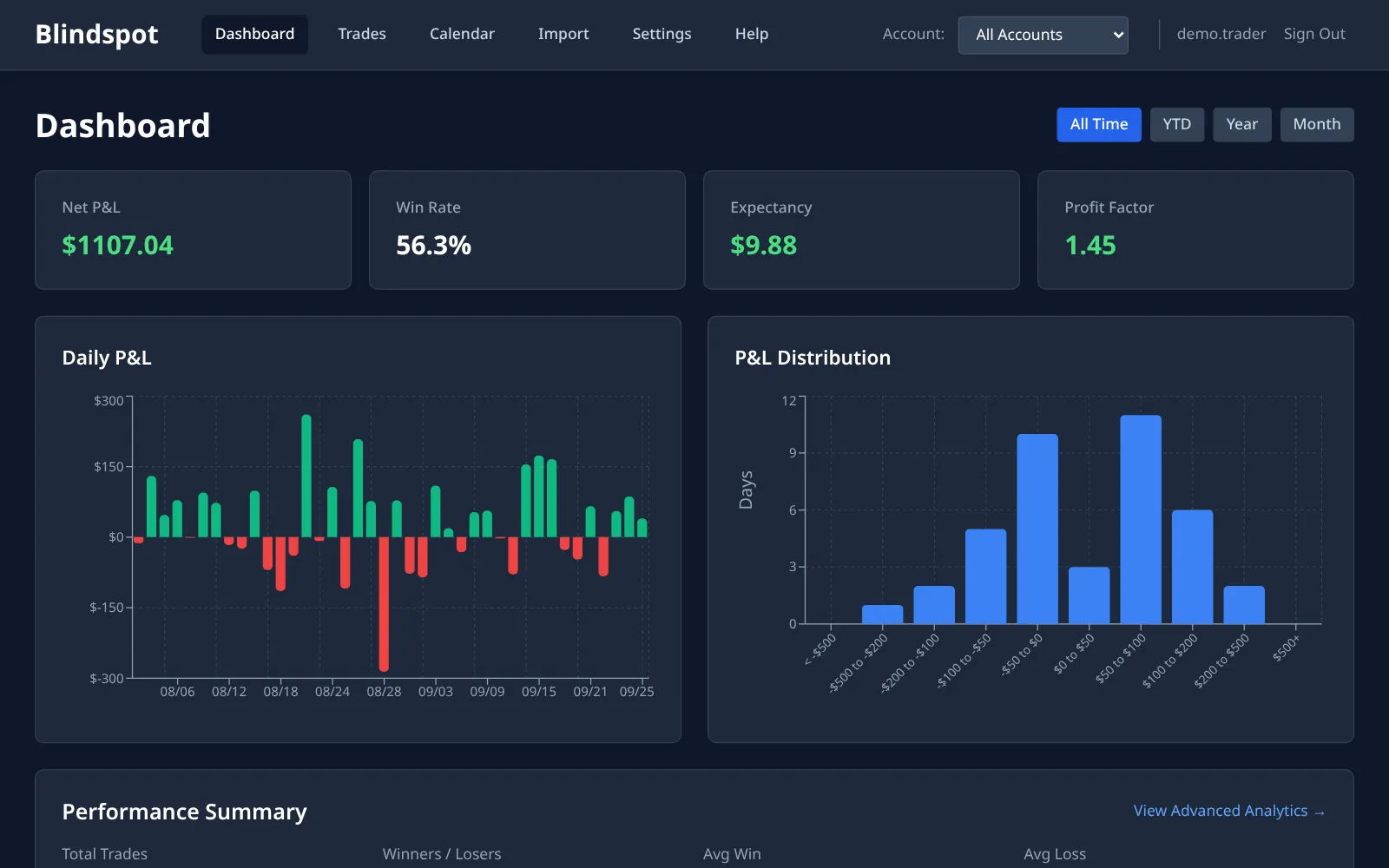
Blindspot reads the DayTraders.com orders CSV: one row per fill, with an account ID and an exact timestamp. It pairs the fills into round-trip trades and works out the P&L, then gives you win rate, expectancy, profit factor and a calendar of every session, with each trading account kept apart. No login and no API key.
- Exact times: rows with an
ssboetimestamp need no time zone - Accounts kept apart: each
accountIdgets its own Blindspot account - Only complete rows are imported when the file has a status column
- Duplicate-safe: re-uploads are matched on order ID and sequence number
This is an independent guide written by Blindspot, not a DayTraders.com page. Blindspot is not affiliated with DayTraders.com. This page says nothing about their rules, payouts or approval.
How to import your DayTraders.com trades into Blindspot
We don't give a click-by-click path for the export: the DayTraders.com help pages we could read don't describe it, and we won't guess a menu. Step 1 shows how to check you have the right file.
1 Get the CSV and check its columns
Export your orders from DayTraders.com as a CSV and look at its first line. Blindspot needs accountId, symbol, transactionType, fillSize, avgFillPrice and exchangeOrderId. For the time it needs ssboe, or fillDate and fillTime. A file without them is refused, and the message lists what is missing.
2 Upload it to Blindspot
In Blindspot go to Import, choose DayTraders.com (Orders CSV) and upload the file. Each accountId in the file becomes its own Blindspot account. If you choose one existing account instead, the file must hold only one accountId, or it is refused.
3 Set your commission
The file has no commission, so at first net P&L equals gross. Go to Settings → Commissions, pick the account and set your all-in cost per contract, round-turn. Blindspot then recalculates that account's trades.
What the DayTraders.com import does with your file
- Time.
ssboeis an exact timestamp, so no time zone choice changes it. A row where it is empty or zero falls back tofillDateandfillTime, which are read in the zone used for the import. - Status. When the file has a
statuscolumn, only rows markedcompleteare kept. - Side. In
transactionType, 1 is a buy and anything else is a sell. - Contracts. The root comes from the symbol, so MNQZ6 is MNQ. If Blindspot doesn't know a contract, it still imports it and the result warns that its P&L may be wrong.
If you trade through another platform
DayTraders.com's help lists several platforms that connect to your account. If you use NinjaTrader, its Trade Performance export works too: see the NinjaTrader guide. Blindspot has no import for the other platforms' own files, such as R | Trader Pro, Quantower or Sierra Chart. For those, use the CSV above or enter trades by hand.
Frequently asked questions
Do I need to set my time zone?
Not for rows with an ssboe timestamp, which are exact. Only rows that fall back to fillDate and fillTime depend on the zone used for the import. Blindspot shows all times, and groups trades into days, in the time zone set in Blindspot Settings.
Why is my net P&L the same as my gross P&L?
The DayTraders.com CSV has no commission. Set your per-contract cost in Settings, Commissions, and Blindspot recalculates that account's trades.
Can I keep several accounts apart?
Yes, automatically. Each accountId in the file gets its own Blindspot account, as long as you let the file decide. If you choose one existing account, the file must hold only one accountId.
Can I re-import without duplicating trades?
Yes. Each row is identified by its exchangeOrderId and sequenceNumber, so uploading an overlapping file updates the fills Blindspot already has.
Does Blindspot know my account's rules or payouts?
No. Blindspot journals your trades and shows your results. It knows nothing about any firm's rules and doesn't track them.
How much does it cost?
Blindspot is free while in beta. No credit card required.
Also works with
Blindspot also imports from Tradovate, NinjaTrader, TopstepX, AMP, TradingView and MetaTrader 5. Pick the source on the Import page. Trades can also be entered by hand, and you can connect ChatGPT or Claude to ask questions about your journal, or browse the demo journal first.
Stop guessing. Start measuring.
Upload your DayTraders.com CSV and see what your trades add up to.
Create your free account