 Blindspot
A free trade journal for Take Profit Trader accounts
Take Profit Trader groups its platforms by data feed, CQG or Rithmic, and that decides how your trades reach Blindspot. The CQG group includes the three platforms Blindspot can read. The Rithmic platforms it names have no import in Blindspot, and this page says so plainly.
- No firm integration needed: you import from the platform you trade on
- Tradovate: file export, or Blindspot's Tradovate connection
- NinjaTrader and TradingView: file export
- Other platforms: enter trades by hand
This is an independent guide written by Blindspot, not a page of Take Profit Trader. Blindspot is not affiliated with Take Profit Trader. This page says nothing about their rules, payouts or approval.
How to bring your Take Profit Trader trades into Blindspot
1 Find your data feed and platform
Take Profit Trader's site shows platforms under two data feeds. Under CQG: NinjaTrader, TradingView and Tradovate. Under Rithmic: R | Trader, Quantower and MotiveWave. It says there are more, so check your own dashboard if yours isn't named here.
2 Export from that platform
- Tradovate: export from the Performance page, or connect Tradovate in Blindspot. See the Tradovate guide.
- NinjaTrader: export from the Trade Performance window. See the NinjaTrader guide.
- TradingView: download your order history. See the TradingView guide.
- R | Trader, Quantower, MotiveWave or another platform: Blindspot has no import for these. Enter trades by hand.
3 Upload it to Blindspot
In Blindspot go to Import, choose the source that matches your file, such as Tradovate (CSV) or NinjaTrader (Trade Grid CSV), and upload it. Tradovate and NinjaTrader files name their account, so each account stays apart in Blindspot. A TradingView file doesn't, so choose the account on the Import page.
What each route gives you
- Tradovate files and the Tradovate connection carry Tradovate's own fill IDs, so overlapping uploads don't double-count.
- NinjaTrader's export lists whole trades with their P&L, one row each.
- TradingView's order history has no P&L, so Blindspot works it out from the paired fills. Its times carry no zone, so you need to pick the one TradingView displays.
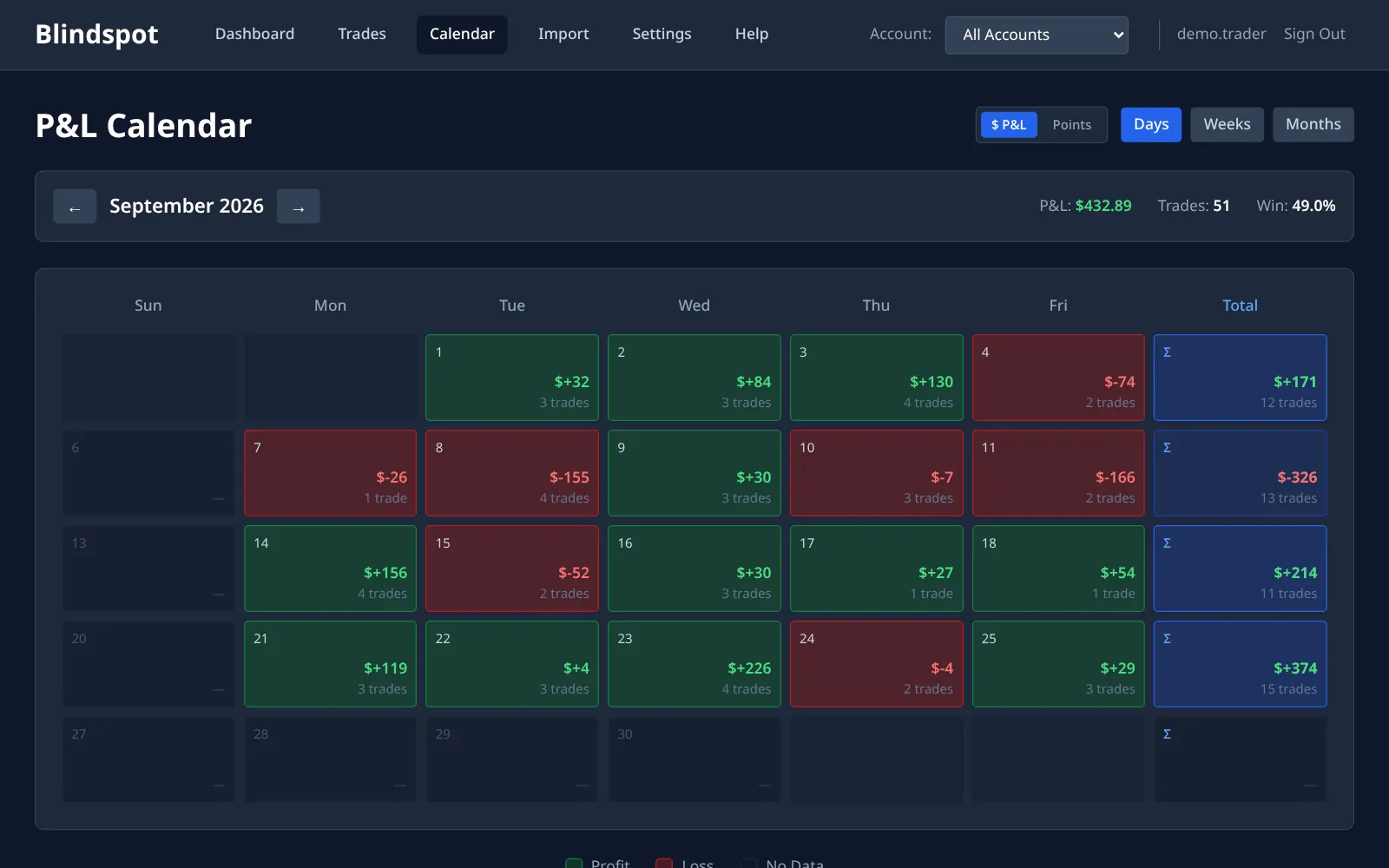
- Your own rules, not the firm's. Trading Rules lets you set a daily loss limit, a trade count or a profit target to stop at, and the calendar marks the days you kept them. These are your own numbers. Blindspot doesn't check them against anything of Take Profit Trader's.
Frequently asked questions
Is this an official Take Profit Trader tool?
No. Blindspot is an independent trading journal and is not affiliated with Take Profit Trader. You bring in your trades from your own platform.
Does Blindspot check my firm's rules?
No. Blindspot knows nothing about any firm's rules, drawdown limits or payouts, and can't tell you where you stand with them. You can set your own daily limits in Trading Rules, and those are only yours.
Do I have to give Blindspot my login?
Not for file imports: you export a file and upload it. Blindspot's automatic Tradovate connection does use a Tradovate username and password, stored encrypted. It is optional, and whether a firm allows third-party connections is a question for the firm.
I'm on the Rithmic feed. Can I import?
Not from R | Trader, Quantower or MotiveWave, because Blindspot has no import for them. You can enter trades by hand.
Does the automatic Tradovate connection work with Take Profit Trader accounts?
It signs in with a Tradovate username and password. We have not tested it with Take Profit Trader logins specifically, so the file export is the sure route.
How much does it cost?
Blindspot is free while in beta. No credit card required.
Also works with
Step-by-step guides: Tradovate, NinjaTrader and TradingView. Blindspot also imports from TopstepX, AMP, MetaTrader 5 and DayTraders.com. Pick the source on the Import page. Trades can also be entered by hand, and you can connect ChatGPT or Claude to ask questions about your journal, or browse the demo journal first.
Where this comes from
The platform lists above come from these pages, checked 1 November 2026. Firms change what they offer, so trust your own dashboard over this page.
Stop guessing. Start measuring.
Export your trades from the platform you use for Take Profit Trader and see what they add up to.
Create your free account