 Blindspot
The free trading journal for AMP Futures order history
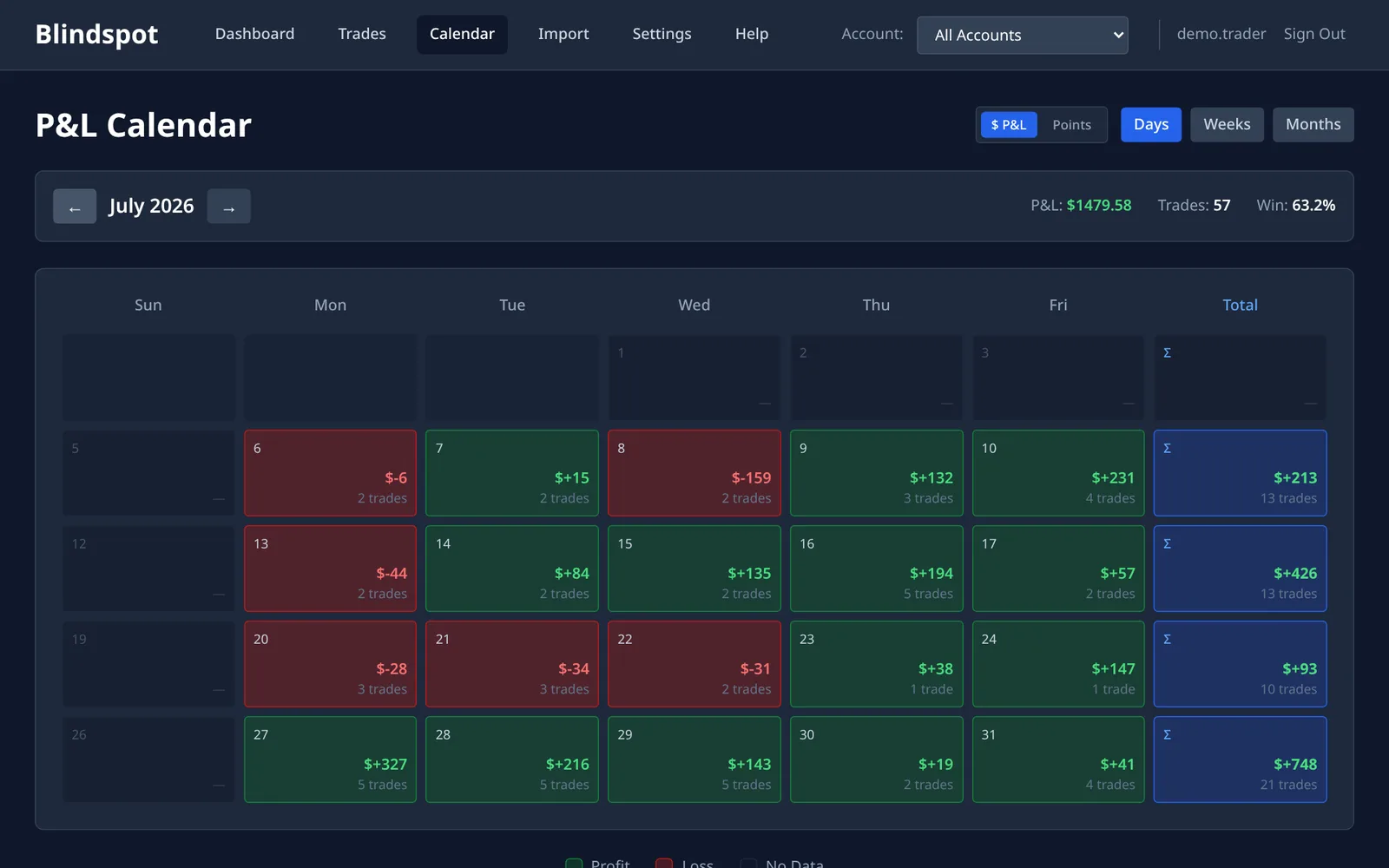
The AMP web platform's order history is a list of orders with symbols like F.US.EPZ26. Blindspot keeps every row where something filled, translates the symbol to the contract you know, pairs the fills into round-trip trades and works out the P&L. You get win rate, expectancy, profit factor and a calendar of every session, from one CSV and with no login.
- Partial fills count: a row with any filled quantity is kept, whatever its final status
- Symbols translated:
F.US.EPZ26becomes ESZ26,F.US.ENQZ26becomes NQZ26 - Exchange time by default: times are read as US Central unless you choose another zone
- Commission is yours to set: Blindspot doesn't read it from this file
This is an independent guide written by Blindspot, not an AMP page. Blindspot is not affiliated with AMP Futures.
How to import your AMP orders into Blindspot
We don't give a click-by-click path for the export: AMP's public help pages don't describe it, and we won't guess a menu. Step 2 shows how to check you have the right file.
1 Export your order history
In the AMP web platform, open your order history and export it as a CSV. Export the whole period you want to journal, so that every position has both its entry and its exit.
2 Check the file
Open the file and look at the first line. Blindspot needs Symbol, Side, Fill quantity, Avg fill price and Status, and it takes each time from Status time, or from Placing time if that is empty. A file without the required columns is refused, and the message lists what is missing.
3 Upload it to Blindspot
In Blindspot go to Import, choose AMP Futures (Order History CSV) and upload the file. The export names no account, so choose an account on the Import page, or let Blindspot use one called AMP. Blindspot reads the times as US Central unless you choose another zone.
4 Set your commission
The import brings in no commission, even when the file has a Commission column, so at first net P&L equals gross. Go to Settings → Commissions, pick the account and set your all-in cost per contract, round-turn. Blindspot then recalculates that account's trades.
What the AMP import does with your file
- Any filled quantity counts. An order that filled in part and was then cancelled still has a Fill quantity above zero, so that part is kept. Rows with no filled quantity are skipped.
- Contract names change. The
F.US.prefix is dropped,EPbecomes ES andENQbecomes NQ. Crude, gold, silver and natural gas lose a trailing E:MCLEbecomes MCL,CLEbecomes CL,GCEbecomes GC,SIEbecomes SI andNGEbecomes NG. Other CQG codes on AMP's symbol list become their exchange names too:TYAbecomes ZN,EU6becomes 6E,QObecomes ICE Brent. Micros such as MES and MNQ keep their names. If Blindspot doesn't know a contract, or AMP's list doesn't have its code, it still imports it and the result warns that its P&L may be wrong. - Rows are recognised by their content. The file has no fill ID, so Blindspot identifies each row from its symbol, side, type, quantity, price and times. Re-uploading updates rather than duplicates. Identical rows in one file are separate fills, such as two 1-lot fills in the same second.
- Only this export is read. AMP offers many platforms, and Blindspot has no import for most of them. If you trade AMP through TradingView, which AMP lists among its platforms, use the TradingView guide instead.
Frequently asked questions
Why is my net P&L the same as my gross P&L?
The AMP import brings in no commission. Set your per-contract cost in Settings, Commissions, and Blindspot recalculates that account's trades.
Which time zone are the times in?
Blindspot reads the AMP export as exchange time, US Central, unless you choose another zone when you import. If your trades look hours off, correct the import from Import history by choosing the zone the export was really in.
Can I keep several AMP accounts apart?
Yes, but you have to do it yourself. The export doesn't name an account, so export one account at a time and choose the matching Blindspot account on the Import page.
Does it work with my AMP platform?
Blindspot reads the order history CSV with the columns on this page. A file from another platform with different columns is refused, and the message lists what is missing. AMP traders on TradingView can use the TradingView import.
Can I re-import without duplicating trades?
Yes. Blindspot identifies each row from its content, so uploading the same rows again updates them instead of adding them twice.
How much does it cost?
Blindspot is free while in beta. No credit card required.
Also works with
Blindspot also imports from Tradovate, NinjaTrader, TopstepX, TradingView, MetaTrader 5 and DayTraders.com. Pick the source on the Import page. Trades can also be entered by hand, and you can connect ChatGPT or Claude to ask questions about your journal, or browse the demo journal first.
Stop guessing. Start measuring.
Export your AMP order history and see what your trades add up to.
Create your free account